Add a dependency to a DeltaTwin® workflow
A workflow dependency lets you use another DeltaTwin® component from your own workflow.
This guide shows how to explore the list of available DeltaTwin® components that can be reused and then
explains how to declare the dependency in the manifest and reference it in the workflow.yml file.
Explore already existing DeltaTwin® Components
Public Components - Starter Kit
DeltaTwin® service provides public DeltaTwin® components that can be reused in your workflow.
Public components are available to all users and are provided by the DeltaTwin® service or other users who have made their components publicly available.
Private Components
Users have the possibility to publish their own DeltaTwin® component in their private workspace. Private components are only accessible within your workspace. These are components created by members of the current namespace and only visible by the namespace’s members.
Finding Available Components
Via the UI
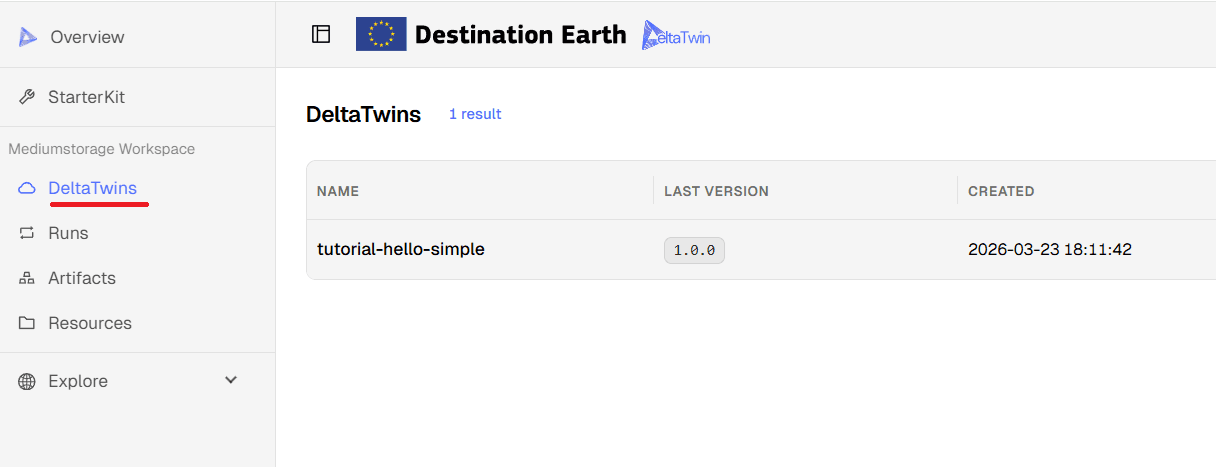
To discover the DeltaTwin® component located in your namespace, go to your workspace section and select “DeltaTwins”:
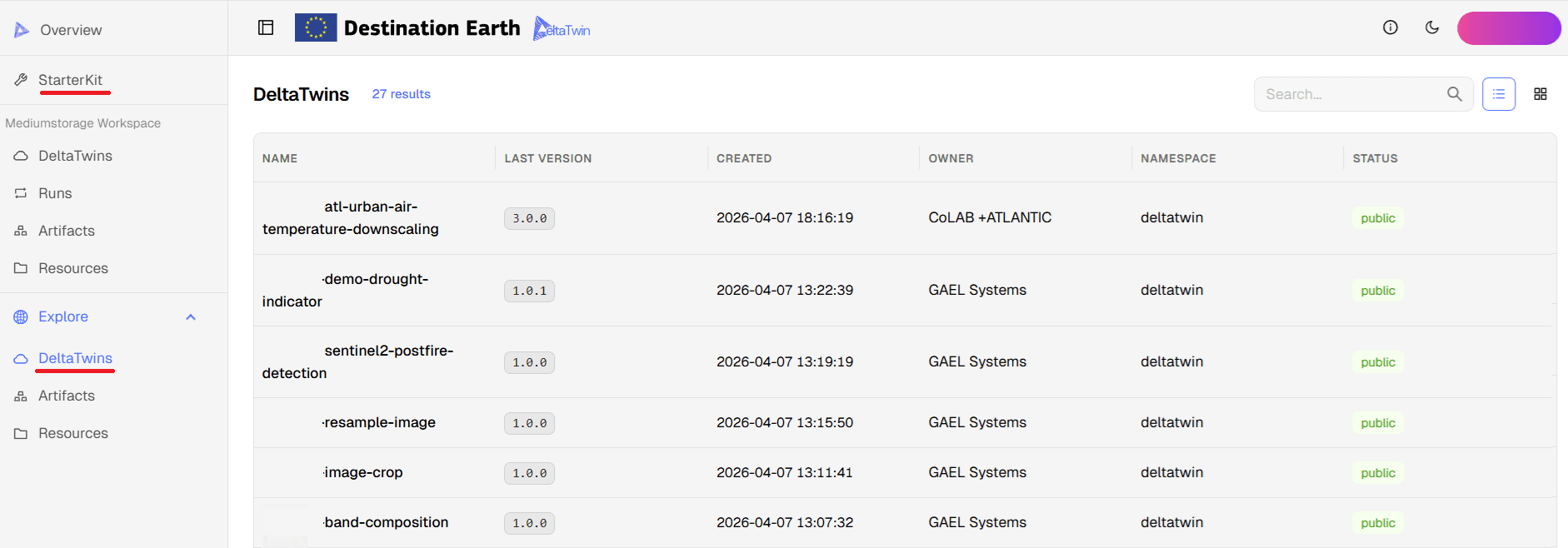
To discover the public DeltaTwin® components, navigate to the Starter Kit page or the
Explore section.
The list provides the name of the component, the owner and namespace that hosted the DeltaTwin® component.
The namespace deltatwin is the namespace managed by the service provider GAEL Systems.
Via the CLI
Use the deltatwin component list command to list all available components for your user.
deltatwin component listYou can filter the list by visibility (private or public) or namespace (deltatwin or <your-namespace>):
- Filter by visibility:
deltatwin component list --visibility public
deltatwin component list --visibility private- Filter by namespace:
deltatwin component list --namespace deltatwin
deltatwin component list --namespace <your-namespace>
Add a dependency to a workflow
To have a complete example of how to build a DeltaTwin® component with dependencies, you can refer to the tutorial Building a DeltaTwin® with dependencies
You can find below the essential steps to add a DeltaTwin® dependency.
Define the dependency in manifest.json
In the manifest file, add a dependencies section where each dependency is identified by a short key and a DeltaTwin® component ID.
For example, if you want to add the band-extractor component hosted in the deltatwin namespace, declare it as follows:
{
  "dependencies": {
    "band-extractor": {
      "id": "deltatwin.band-extractor",
      "version": "1.0.1"
    }
  }
}band-extractoris the internal name used inside your manifest and workflow.idis the full DeltaTwin® component identifierversionis the published version of the component you want to use.
Dependency IDs
A DeltaTwin® ID has the form namespace.component-name, for example deltatwin.band-extractor.
Reference the dependency in workflow.yml
In the workflow file, add a node that refers to the dependency from the dependencies section.
nodes:
  - id: 0
    ref: dependencies.band-extractor
This tells the workflow to include the band-extractor component as part of the execution graph.
Connect inputs and outputs to the dependency
Use workflow edges to connect your resources or inputs to the dependency and to consume its outputs.
edges:
  - from:
      id: 1
    to:
      id: 0
      port: input_data
The exact port names depend on the dependency component’s manifest, so make sure they match the expected input and output names.
Save and publish your workflow
Once your dependency is declared and referenced in the workflow, save both manifest.json and workflow.yml.
Then publish your DeltaTwin® component so the platform can resolve the external dependency during execution.
Version compatibility
If the dependency version is not available or is incompatible with your workflow, the deployment may fail. Always verify the component version before publishing.